Start with a first cut, not a blank timeline
Your template already knows the usual scene order, music, fades, photos and output settings.
Import the raw video and choose a template. SkyVault builds the first cut, photos, Social Clip or CDNB teaser. Your editor approves the finished work.
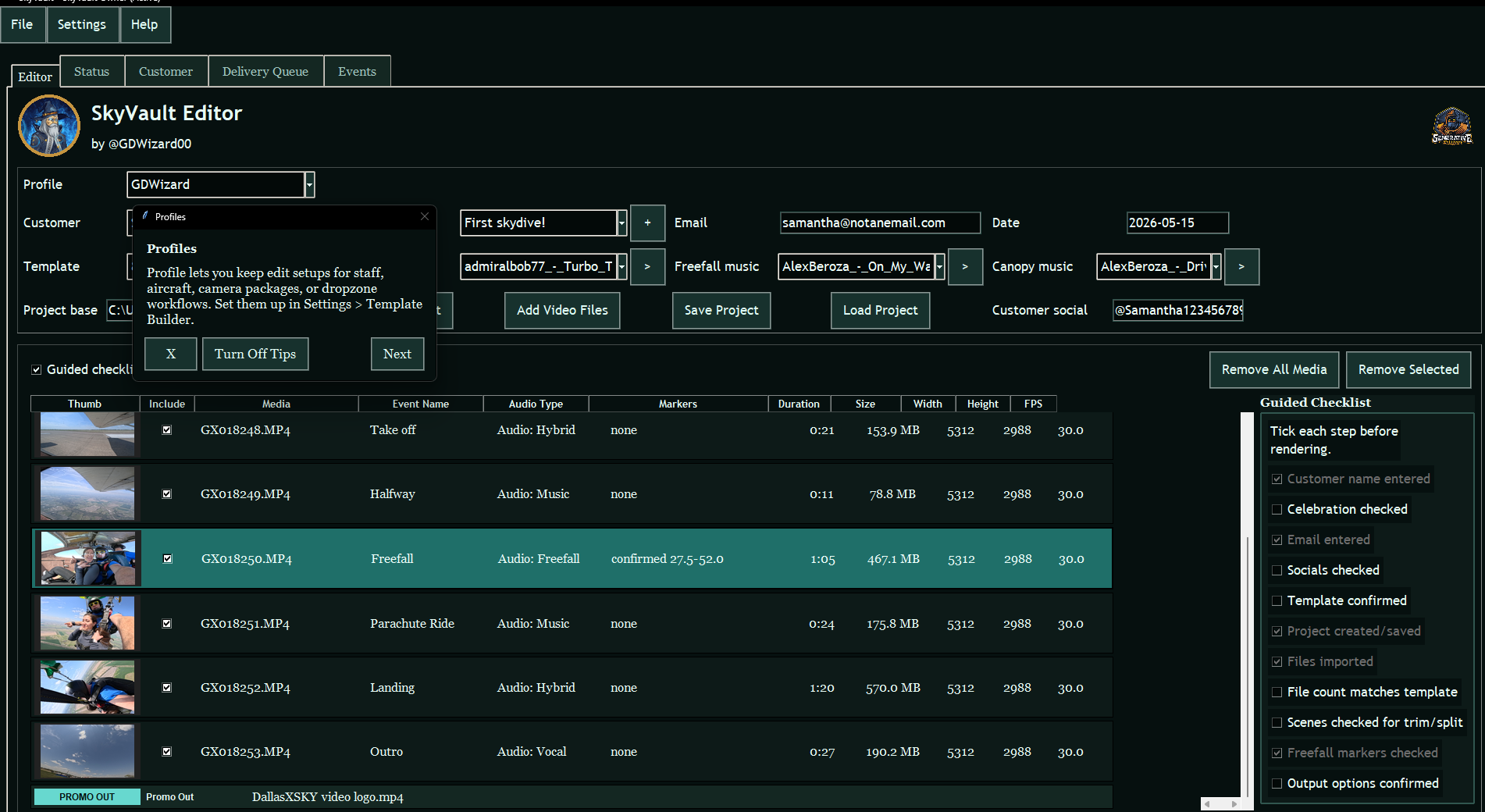
Import the raw video, check the first cut, add your branding and deliver the customer’s package. Your editor stays in charge.
Your template already knows the usual scene order, music, fades, photos and output settings.
Create the full video, photos, Social Clip, CDNB teaser or USB copy from the same customer project.
The customer project shows what rendered, what was delivered and what still needs attention.
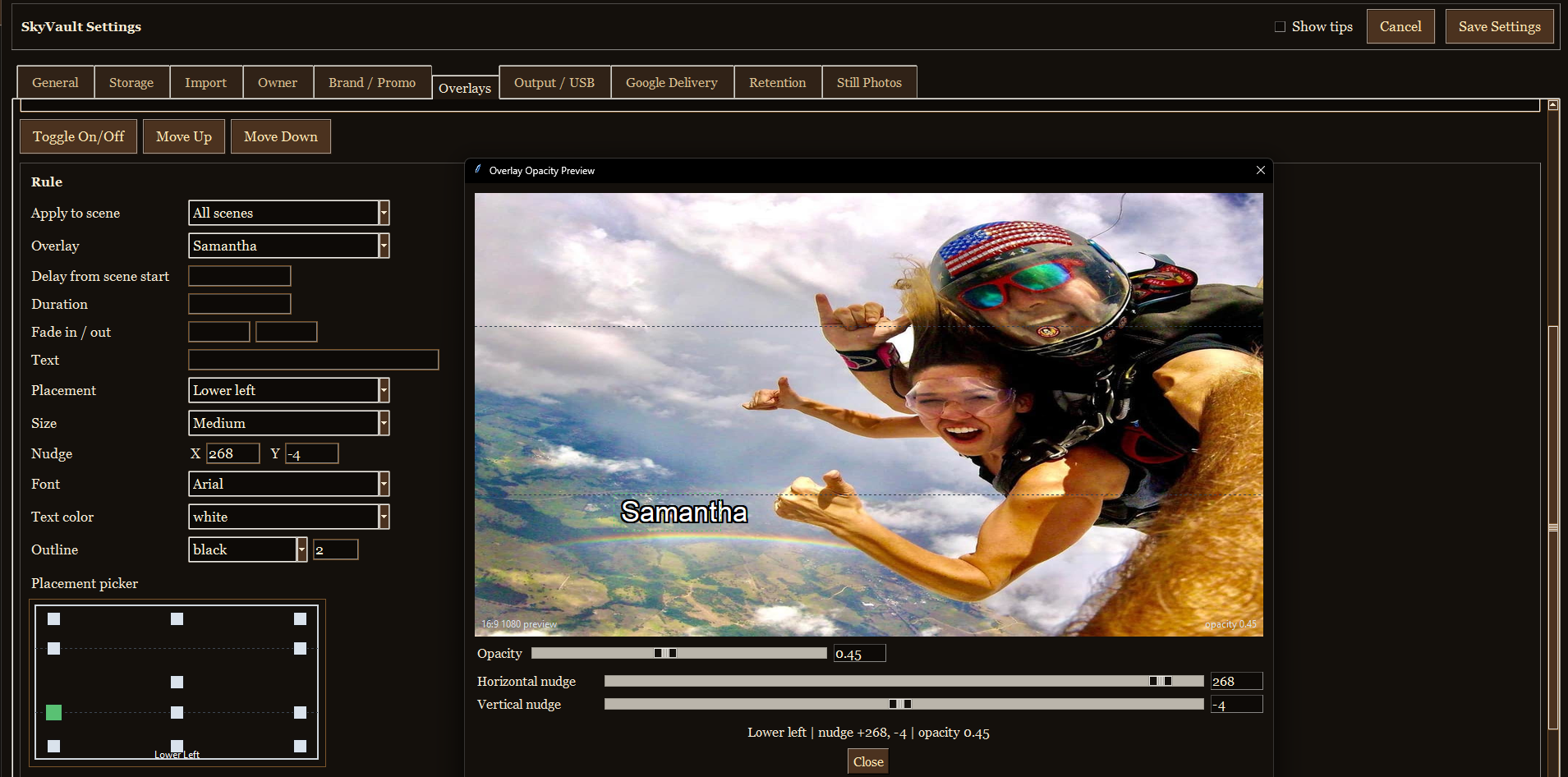
The template builds the first cut around the jump markers, music and overlays. Your editor reviews it before the final render.
Open full video example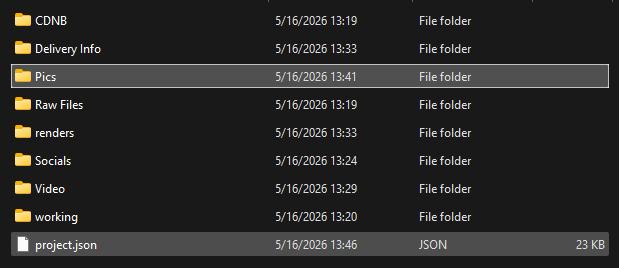
Each customer gets one folder for the source files, finished media, delivery details and SkyVault project.
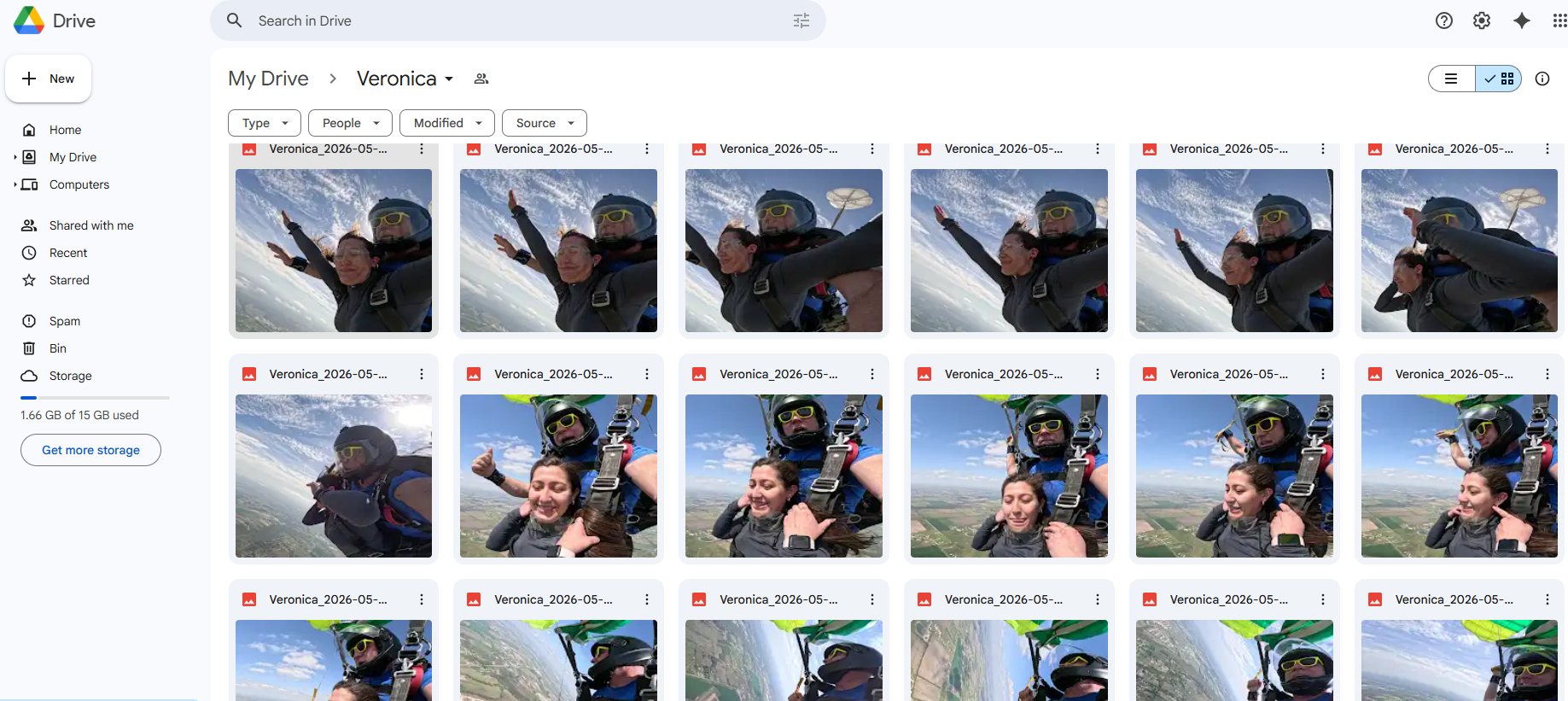
Send the captured stills to the customer through your dropzone’s Google Drive account.
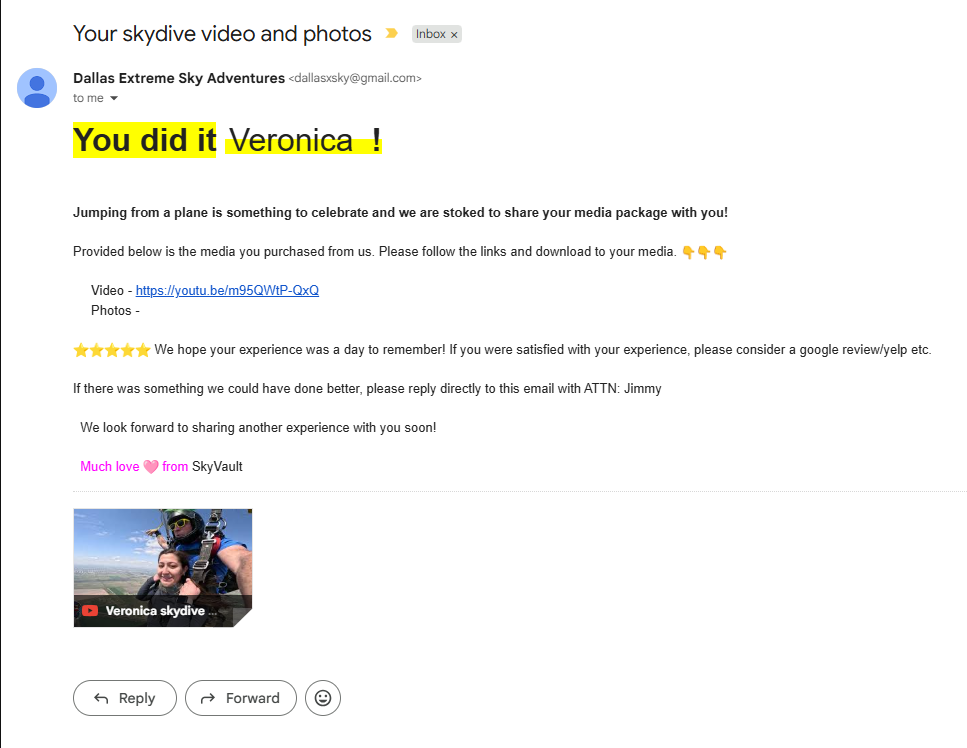
Reusable Gmail templates can include video links, photo links, review prompts, customer names, and dropzone-specific delivery language.
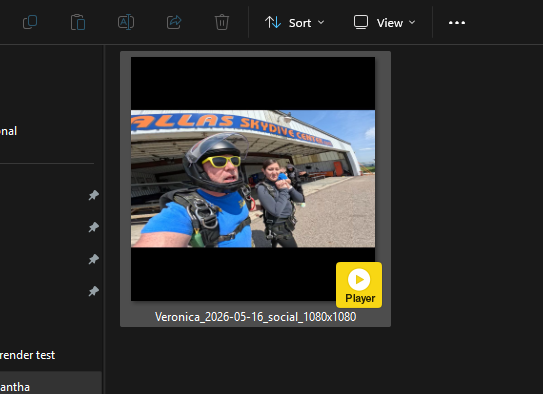
Give the customer a short clip ready for the social channels your dropzone supports.
For students who leave without buying, SkyVault creates a short teaser for follow-up.
Open CDNB exampleThe full edit, photos, Social Clip, CDNB teaser and delivery record all belong to the same job.
SkyVault gives the editor a clear order for the job and keeps the customer details with it.
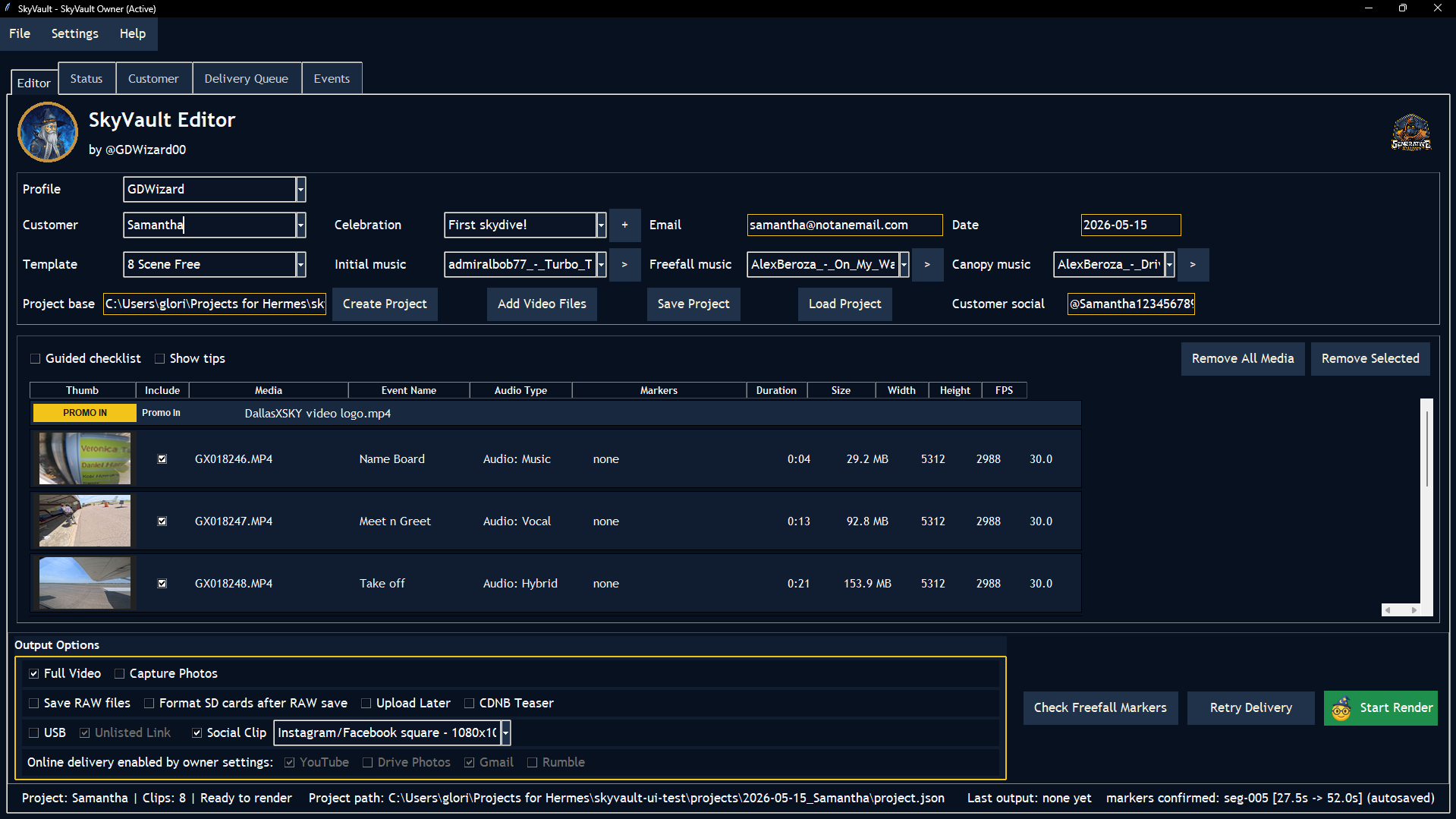
Choose the customer, jump date and template.
Add the raw video files and confirm the likely freefall markers.
Check the cut, music, photos, overlays and customer details.
Create the video, photos, Social Clip, CDNB teaser or USB copy that was selected.
Send the files through the selected service and keep the delivery record with the job.
The customer, footage, template and delivery status are all on the same project. Staff spend less time hunting for files or asking what comes next.
Minimum purchase is 50 tokens. Tokens are used for successful SkyVault outputs and delivery actions.
View pricing| Full edited video | 3 tokens |
| Photos | 1 token |
| Social Clip | 2 tokens |
| CDNB Teaser | 1 token |
| Delivery bundle | 2 tokens |
The pre-render checks flag missing customer details, unconfirmed freefall markers, wrong outputs and forgotten delivery steps.
Confirm the customer, template, imported files, markers, scenes and output choices before rendering.
SkyVault checks the required inputs before rendering. Failed renders and delivery attempts do not use output tokens.
Set storage, templates, photo rules, branding, delivery and retention once for the team.
Make the customer’s full package, short social video and follow-up teaser from one project.
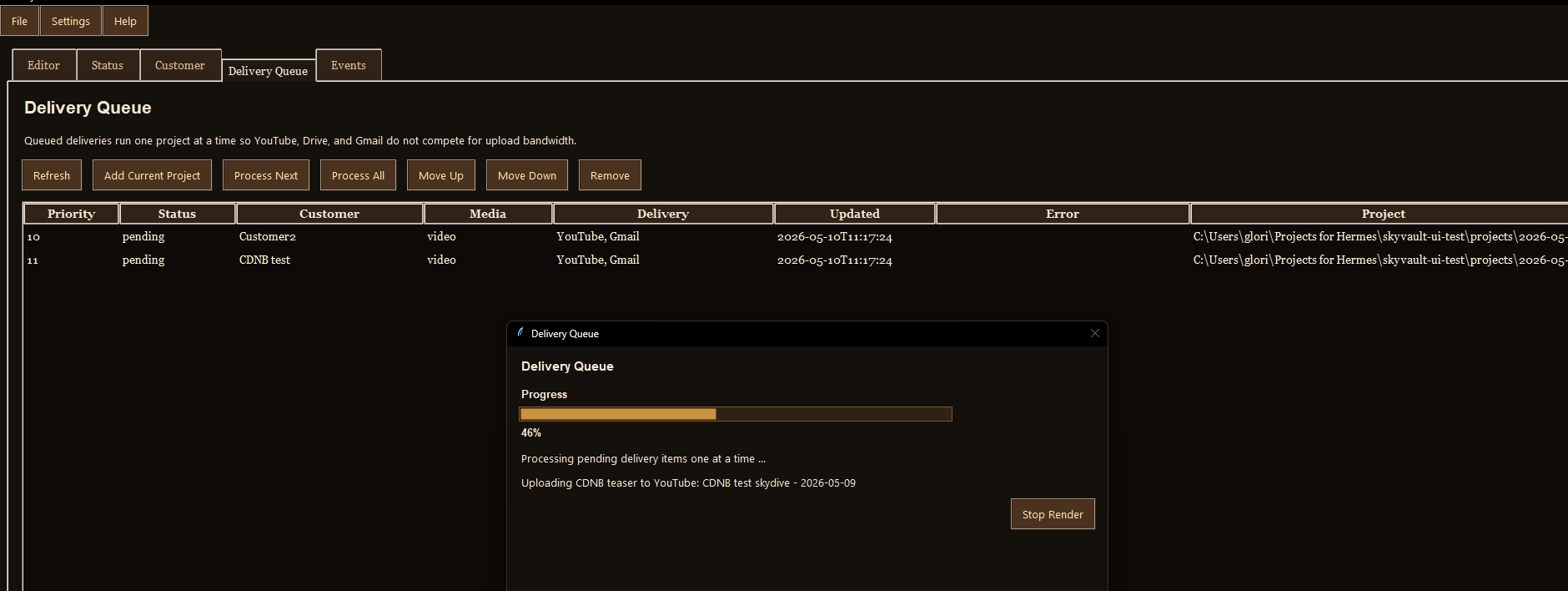
Send the video and photos through the selected service. If delivery fails, the job stays in the queue for review and retry.
Choose the logo, watermark, placement and promotional clips your team should use on every job.
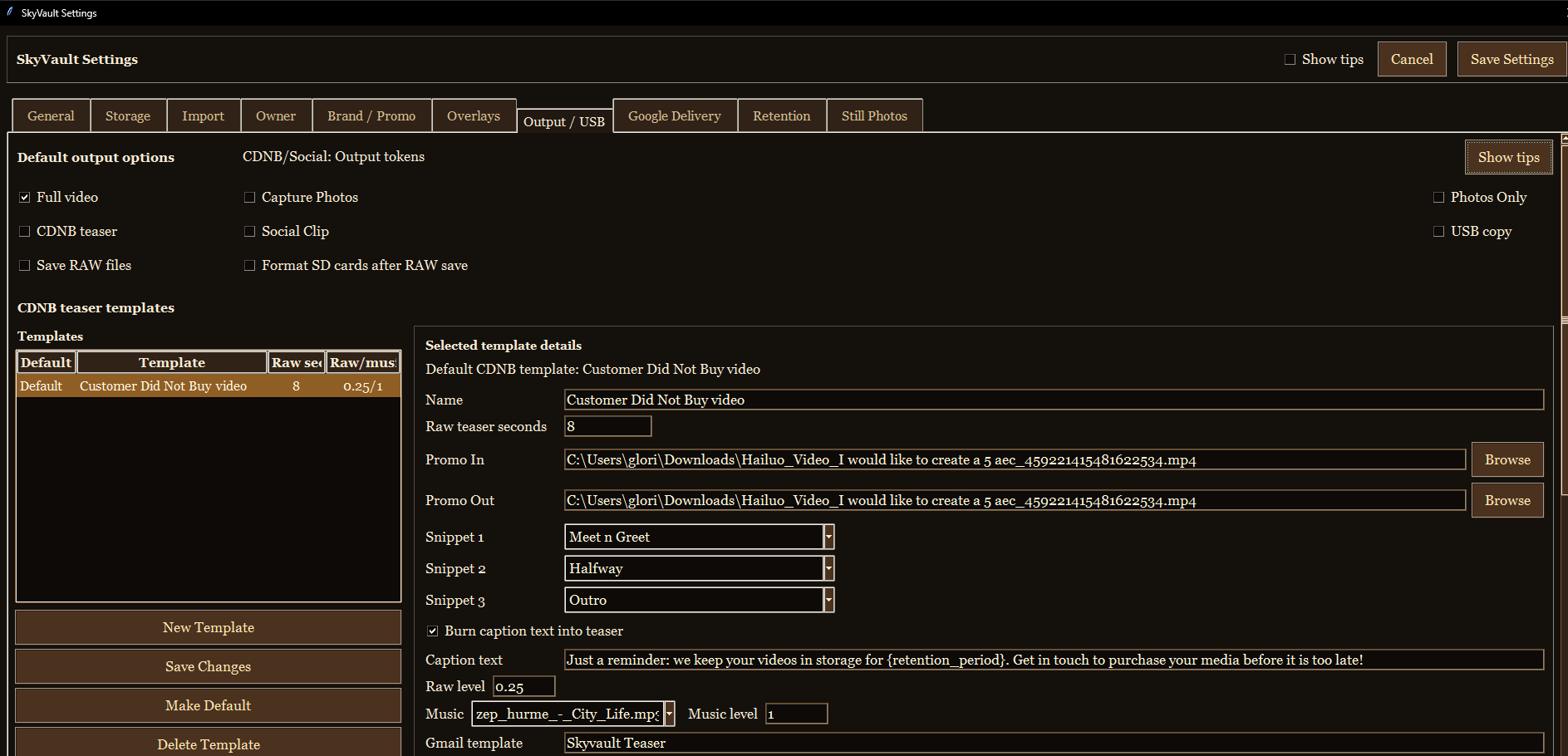
Owners can set profiles, templates, music, photo timing, retention, skins and defaults. Staff can use those settings without configuring every job.
Send a short CDNB teaser to someone who did not buy on the day. Create a vertical Social Clip for customers who did.

Military members, veterans, and first responders are welcome to ask about our private service-appreciation discount.